

otel_traces table, and a Kubit Warehouse workspace reads that table in place. Kubit never receives the spans. It takes about 30 minutes.
Kubit doesn’t write traces it collects into your warehouse. To have Kubit collect the spans instead, follow the Quickstart. If your traces are already in MLflow, Cortex Agents or self-hosted Langfuse, use MLflow Tracing, Cortex Agents or Langfuse. For Snowflake, Databricks or BigQuery, see OTel spans in other warehouses.
Before you start
- Python 3.9 or later for the app examples, and Docker to run the Collector
- A ClickHouse server Kubit can reach. Kubit supports ClickHouse 26.8, with the session time zone in UTC.
- A ClickHouse user that can create a database and tables, for the Collector
- An organization connection to that ClickHouse in Kubit, set up with your own credentials. See Connect ClickHouse.
Prompt for your coding agent
Paste this into Claude Code, Cursor or Codex. It changes your app and leaves the Collector and Kubit to you:Steps
Instrument your app
Install the OpenTelemetry SDK and the OTLP/HTTP exporter, and point the exporter at your Collector. Your own Collector needs no API key.Import
tracing.py
tracing first in your entrypoint, before any LLM client is created. Then add the GenAI instrumentor for your LLM client with message content turned on, and set user.id and session.id on the root span of each request. Trace LLM calls and Add user and session IDs have the code. For Node, follow Manual OpenTelemetry with the exporter url set to http://<collector>:4318/v1/traces and no x-api-key header.The Kubit SDKs, kubit-otel and @kubit-ai/otel, aren’t needed here. They send to Kubit’s endpoint by default, and their only addition is a span filter.Run the Collector
The ClickHouse exporter ships in the Collector’s contrib distribution, and it’s beta for traces. Save this as Set When it’s ready,
otel-collector.yaml:otel-collector.yaml
endpoint to your ClickHouse native port (tcp://, 9000) or HTTP port (http://, 8123), and add ?secure=true for TLS. ttl: 720h drops spans after 30 days. Leave it out to keep them. Batching happens in the exporter’s sending_queue, so you don’t need a batch processor. The ClickHouse exporter README lists every option.Run the Collector with the ClickHouse credentials in an env file:docker logs otelcol ends with Everything is ready. Begin running and processing data. With create_schema: true, the Collector creates the otel database, the otel_traces table and a trace ID lookup table, otel_traces_trace_id_ts, on its first start.Send a test trace
This script sends one agent run: a root span with a user and session, a model call with tokens and messages, and a tool call that failed. It sets the GenAI attributes by hand, so it needs no LLM key.
send_test_trace.py
Output
force_flush() sends the spans before the script exits. The exporter then writes them to ClickHouse within its 5-second flush_timeout.Check the table
The exporter creates Each trace should have one root. More than one root means some parent spans are missing, often because the app exited before it flushed them.
otel_traces with one row per span. These are the columns Kubit reads:The table also holds
TraceState, SpanKind, ScopeName, ScopeVersion, and Events and Links as nested arrays. It’s partitioned by day and ordered by ServiceName, SpanName and Timestamp. To see the full definition, run SHOW CREATE TABLE otel.otel_traces.Check that the test trace landed whole:Spans per trace, last day
Output
Map the table in Kubit
Create a workspace and pick the Warehouse origin (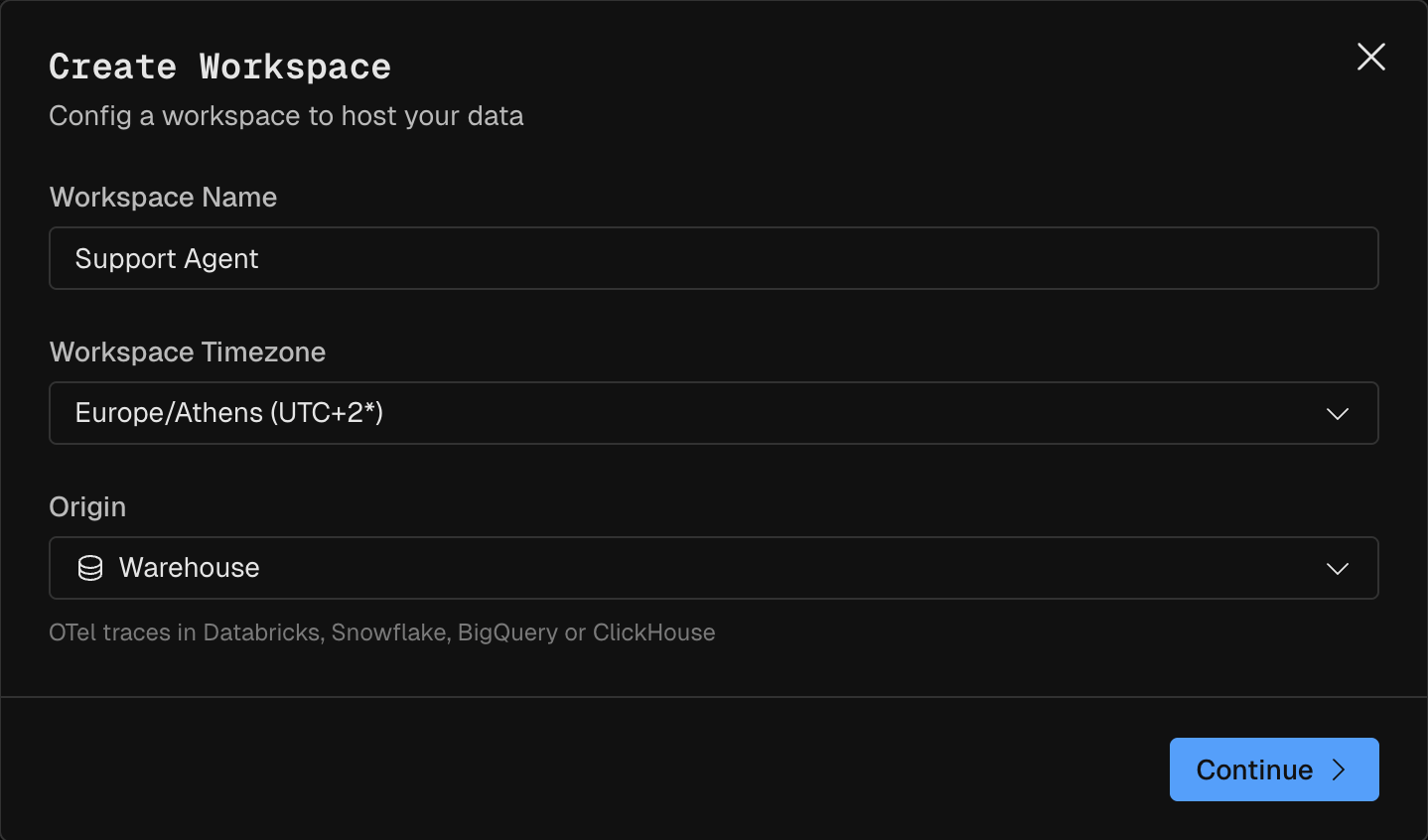
OTel traces in Databricks, Snowflake, BigQuery or ClickHouse). Pick the organization connection to your ClickHouse. See Set up your organization.otel_traces yourself on the Schema tab, with the Modeler agent or by hand. Modeler has both flows. Map it like this:Then add derived fields with Raw SQL. In a raw SQL expression, reference a column with
@<column>. Raw SQL needs a custom connection, one set up with your own warehouse credentials.To check the expressions before you save them, run them against the table without the
@:Check the derived fields
Output
Give the columns trace roles
On the Fields tab, click Edit trace roles, pick a role for each field from its roles menu, and click Save roles. Trace roles turn on agent Activity, the Evaluator and Flows for the workspace.
Set Run completeness to Every run in the source is finished. The Collector writes each span once, when it ends.
Label the traces
The Evaluator needs at least one messages, response or tool field with a role, which the mapping above gives it. On the Evaluator page, pick a schema under Evaluator results, where Polaris writes its labels and scores next to your traces. See Where Polaris results are stored.Then pick a Window of days and click Label conversations. Nothing is scheduled, so start a run whenever you want new traces labelled. A run reads your warehouse, at your cost.Constraint: One run labels at most 5,000 conversations. For more, label shorter windows.
Verify
The setup works end to end when all of these are true:- The spans-per-trace query lists your app’s traces, each with one root.
- The Kubit workspace no longer shows
No data yet. Finish setting up your model. - Activity lists the same traces, and an open trace shows its spans as a tree, with the failed tool call marked as an error.
- After a labelling run, the Labels column shows labels instead of
Not analysed yet.
If it fails
Next Steps
- Modeler: fact tables, derived fields and the Modeler agent.
- Polaris: what Polaris adds to your traces.
- Quickstart: send traces to an Agent workspace instead.